
Custom Software vs SaaS: Which Is Better for a Growing Business?

SaaS is usually the better choice when your business needs a standard capability quickly and can adapt its process to the product. Custom software is usually better when your workflow creates a competitive advantage, off-the-shelf tools require costly workarounds, or several disconnected systems must behave as one.
The right answer to the custom software vs SaaS question is not simply “Which option costs less today?” A growing business should compare launch speed, total cost of ownership, control, integrations, scalability and the cost of continuing inefficient work. This guide gives you a practical framework for making that decision.
Custom software vs SaaS: quick comparison
| Factor | SaaS | Custom software |
|---|---|---|
| Launch speed | Usually faster because the product already exists | Requires discovery, design, development and testing |
| Upfront cost | Generally lower | Generally higher |
| Ongoing cost | Recurring subscriptions, add-ons and usage fees | Hosting, support, maintenance and improvements |
| Customization | Limited to available settings and extensions | Built around your process and priorities |
| Integrations | Depends on the vendor’s connectors and API | Can connect the systems your workflow requires |
| Ownership and control | The vendor controls the product roadmap | You control priorities, data rules and roadmap |
| Scalability | Easy to start, but pricing and limits may grow | Architecture can be designed for your growth pattern |
| Vendor dependence | Higher | Lower when documentation and ownership are clear |
Key takeaways
- Choose SaaS for common business functions when speed, simplicity and a predictable subscription matter most.
- Choose custom software when your unique workflow, data or customer experience is strategically important.
- Compare total cost of ownership, not just the initial price.
- A hybrid approach often works best: use proven SaaS tools for standard needs and custom software to connect or extend them.
- Start with a small, valuable problem and validate the result before expanding.
What is SaaS?
Software as a Service, or SaaS, is software you access through a browser or app and pay for through a subscription or usage plan. The provider hosts the product, maintains the infrastructure, releases updates and determines which features are available.
Common examples include accounting tools, email marketing platforms, customer relationship management systems, project-management apps and cloud file storage. These products solve needs shared by many businesses, which is why they can be deployed quickly.
What is custom business software?
Custom business software is designed and developed for a specific organisation, workflow or customer experience. It may be an internal operations platform, client portal, booking system, reporting dashboard, mobile app, integration layer or specialised web application.
The value is not customization for its own sake. The value comes from removing friction that standard tools cannot remove, giving the business control over important processes, and creating a system that can evolve with the organisation. Afritech Global’s software development services focus on that connection between technology and business outcomes.
When should a growing business choose SaaS?
SaaS is a strong option when the requirement is common, the product fits most of your process and the vendor can meet your security, data and support needs.
- You need to launch quickly. A configured SaaS product can often be used much sooner than a new system can be designed and built.
- Your process is standard. Payroll, video meetings and document storage rarely need to be reinvented.
- Your team is small. Vendor-managed hosting, updates and support reduce internal technical work.
- You are validating a new idea. A subscription can help you test demand before investing in deeper development.
- The product integrates cleanly. If it connects to your existing stack without fragile workarounds, SaaS can be efficient.
- The long-term pricing remains sensible. Review how charges change as users, contacts, transactions or storage increase.
When should a growing business choose custom software?
Custom software becomes attractive when the business is bending itself around generic tools or when the process itself is a source of competitive advantage.
- Your workflow is genuinely distinctive. The business depends on rules, approvals or service steps that standard products cannot model well.
- Manual work is increasing with growth. Staff repeatedly copy information between spreadsheets, email and disconnected apps.
- Customers need a better experience. A tailored portal, dashboard or self-service journey can reduce friction and strengthen the brand.
- Critical integrations are missing. Existing systems need to exchange data reliably, but available connectors are limited.
- Reporting is fragmented. Leadership cannot obtain one trustworthy view of operations, customers or performance.
- You need greater control. Product priorities, access rules, data models or compliance requirements cannot depend entirely on a vendor.
- SaaS workarounds are becoming expensive. Multiple subscriptions, add-ons, consultants and manual fixes can eventually outweigh the apparent savings.
The hidden cost of “cheap” software
A low monthly price can be misleading if the system creates work elsewhere. When comparing custom software vs SaaS, include the cost of the entire operating process.
- Base subscriptions and per-user fees
- Premium features and add-ons
- Implementation, configuration and data migration
- Integration tools or middleware
- Training and administration
- Manual data entry and duplicate work
- Errors, delays and missed follow-ups
- Reporting gaps and slower decisions
- Downtime and switching risk
A simple total-cost model is: initial implementation + recurring fees + integrations + training and administration + manual work + expected switching or downtime costs. Apply the same formula to both options over a realistic period. That produces a more useful comparison than upfront price alone.
The hybrid approach: SaaS plus custom software
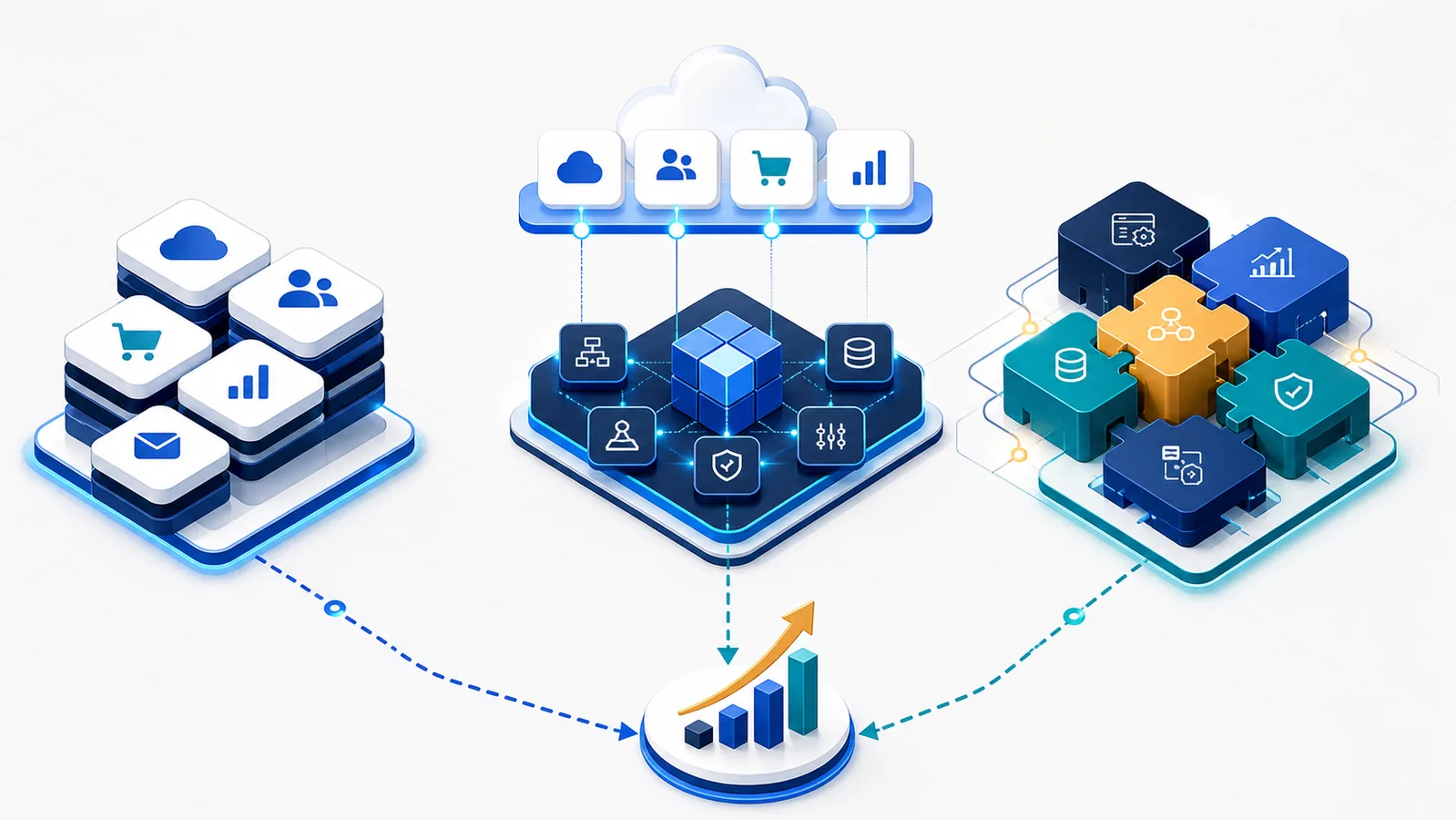
Many growing businesses do not need an all-or-nothing choice. A hybrid architecture keeps proven SaaS products for standard capabilities and adds a custom layer where the business needs differentiation.
For example, a company might retain its accounting and email platforms while building a custom operations portal that brings customer requests, approvals, documents and status updates into one place. Integrations move data between the systems so employees and customers do not have to.
This approach can reduce development scope while preserving control over the parts of the experience that matter most. It is also a useful route away from a collection of disconnected tools: improve the workflow in stages instead of replacing everything at once.
A seven-question decision framework
- Is this capability standard or differentiating? Buy standard capabilities; consider building what makes your operation or customer experience unique.
- How well does an existing product fit? Separate essential requirements from preferences and score leading options honestly.
- What happens at three times your current volume? Consider performance, administration effort, usage limits and pricing.
- Which systems must connect? Confirm API availability, data formats, authentication and integration ownership.
- How sensitive is the data? Review hosting, access controls, backup, retention, audit and regulatory needs.
- What is the three-year total cost? Include subscriptions, people, process inefficiency, maintenance and change costs.
- Who will own the result? Define a business owner, decision process, documentation and support plan.
A practical implementation roadmap
1. Map the current workflow
Document the people, steps, systems, inputs, outputs and recurring problems. Do not begin with a feature wish list. Begin with the outcome the business needs to improve.
2. Quantify the problem
Estimate time spent, delays, error rates, lost opportunities, support demand and software costs. These measures create a baseline for deciding whether an investment is worthwhile.
3. Evaluate existing products
Shortlist SaaS options and test them against essential requirements. Ask for a realistic demonstration using your workflow, not only a polished generic presentation.
4. Define the smallest valuable solution
If custom development is justified, start with the smallest release that solves an important problem. A focused first version reduces risk, accelerates learning and creates evidence for the next investment.
5. Plan data and integrations early
Decide what data moves, where the source of truth lives, who can access it and how failures will be handled. Integration and migration should not be last-minute tasks.
6. Test with real users
Include the employees and customers who will use the system. Their feedback helps identify confusing steps, missing safeguards and assumptions that looked sensible only on paper.
7. Measure, support and improve
Track adoption and the business measures established at the start. Maintain documentation, backups, monitoring, security updates and a prioritized improvement roadmap.
Questions to ask a software partner
- How will you validate the business problem before development begins?
- What is included in discovery, design, testing and launch?
- Who owns the code, data, accounts and documentation?
- How will the solution integrate with our current systems?
- What security, backup and access controls will be implemented?
- How are scope changes and priorities handled?
- What support and maintenance are available after launch?
- How will success be measured?
Frequently asked questions
Is custom software always more expensive than SaaS?
Custom software usually requires a larger initial investment, but it is not automatically more expensive over its useful life. The answer depends on scope, recurring SaaS fees, user growth, integrations, maintenance and the value of eliminating manual work.
Can custom software integrate with our current SaaS tools?
Often, yes. Integration depends on whether the products provide suitable APIs, webhooks, exports or approved connectors. Technical discovery should confirm access, data quality, rate limits and authentication before commitments are made.
Who owns custom software and its data?
Ownership should be defined in the contract. Confirm intellectual-property rights, source-code access, hosting accounts, data portability, documentation and what happens if the relationship with the developer ends.
How long does custom software take to build?
Timelines depend on complexity, integrations, data migration, security requirements and how quickly stakeholders can make decisions. A discovery phase should produce a credible scope and delivery plan. Phased releases can deliver value sooner than attempting one large launch.
Should a startup build custom software?
A startup should usually use existing tools until it has validated the customer problem and knows which workflow is truly differentiating. Custom development makes more sense when it is central to the product, removes a proven growth constraint or creates an experience existing tools cannot provide.
Choose the option that supports your next stage
The best technology choice is the one that improves the business without creating unnecessary complexity. SaaS can provide speed and reliability for standard needs. Custom software can create control, efficiency and differentiation where your process matters most. A hybrid model can combine both.
If your team is comparing software options or struggling with disconnected tools, book a strategy call with Afritech Global. We can help map the workflow, evaluate build-versus-buy trade-offs and define a practical first release. You can also explore our previous work and more business technology guidance in our insights.

Keep reading
More insights for your business.
 Website Accessibility for Small Businesses: A Practical WCAG Checklist
A practical accessibility checklist that helps small businesses improve keyboard use, content, forms, media and mobile experiences.
Read the article
Website Accessibility for Small Businesses: A Practical WCAG Checklist
A practical accessibility checklist that helps small businesses improve keyboard use, content, forms, media and mobile experiences.
Read the article
 Software Vendor Lock-In: 10 Questions to Ask Before You Commit
Ten practical questions for evaluating data portability, integrations, pricing, continuity and exit costs before committing to business software.
Read the article
Software Vendor Lock-In: 10 Questions to Ask Before You Commit
Ten practical questions for evaluating data portability, integrations, pricing, continuity and exit costs before committing to business software.
Read the article
 Core Web Vitals for Business Owners: Fix What Actually Slows Your Website
A plain-language guide to LCP, INP and CLS, with a practical order for fixing the performance problems that cost attention and conversions.
Read the article
Core Web Vitals for Business Owners: Fix What Actually Slows Your Website
A plain-language guide to LCP, INP and CLS, with a practical order for fixing the performance problems that cost attention and conversions.
Read the article
Ready to put AI to work in your business?
Book a free strategy call and leave with a concrete plan, whether we work together or not.